> For the complete documentation index, see [llms.txt](https://docs.dexa.im/llms.txt). Markdown versions of documentation pages are available by appending `.md` to page URLs; this page is available as [Markdown](https://docs.dexa.im/non-dma-products/fortnite/bans.md).
# Fortnite Bans
## Ban Types
Fortnite issues different ban types based on the anti-cheat active and the type of infraction determined during play. Fortnite uses both Easy Anti-cheat and Battleye. To learn more overall about bans in modern games, see [How Bans Work](/learn/resources/bans.md)
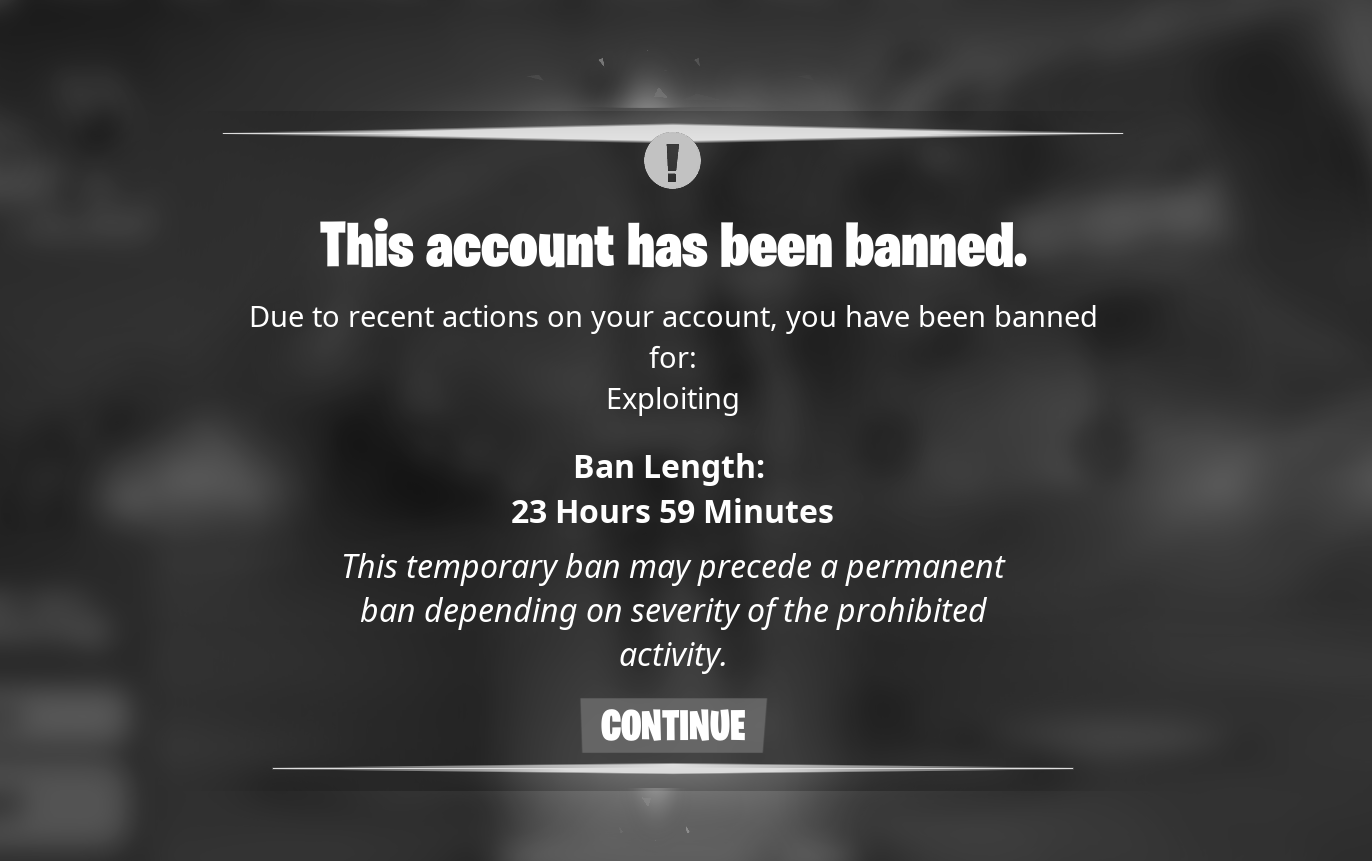
### Temporary 24-hour ban
Sometimes, a 24-hour ban can be permanent. Temporary bans have several causes:
* statistics: the player had too high KDR[^1], headshot percentage, wins, etc., in a given timeframe
* player reports: the player had too many reports in a given timeframe
A temporary, 24-hour ban.
{% hint style="info" %}
If the temporary 24-hour ban changes to a permanent ban, the PC is HWID banned. See [How Bans Work](/learn/resources/bans.md#flagged-hardware)
{% endhint %}
#### Bypass a 24-hour ban
Sometimes, you can mitigate a 24-hour ban.
* try using the ARP fix script:
{% file src="/files/jZwjOpEUYpkezb5gx4Go" %}
The ARP fix script, a simple batch file to reset your network adapter.
{% endfile %}
* you can try changing your IP address via a [VPN](https://go.nordvpn.net/SH8k3)
* create a new account or purchase a pre-made account, see [How Bans Work](/learn/resources/bans.md#account-creation)
* use a hardware spoofer, [we suggest our own](https://dexa.im/discount/spoofer-docs?redirect=/products/spoofer\&utm_campaign=link\&utm_id=docs_promo\&utm_medium=embed\&utm_source=docs)
### Semi-permanent or permanent ban
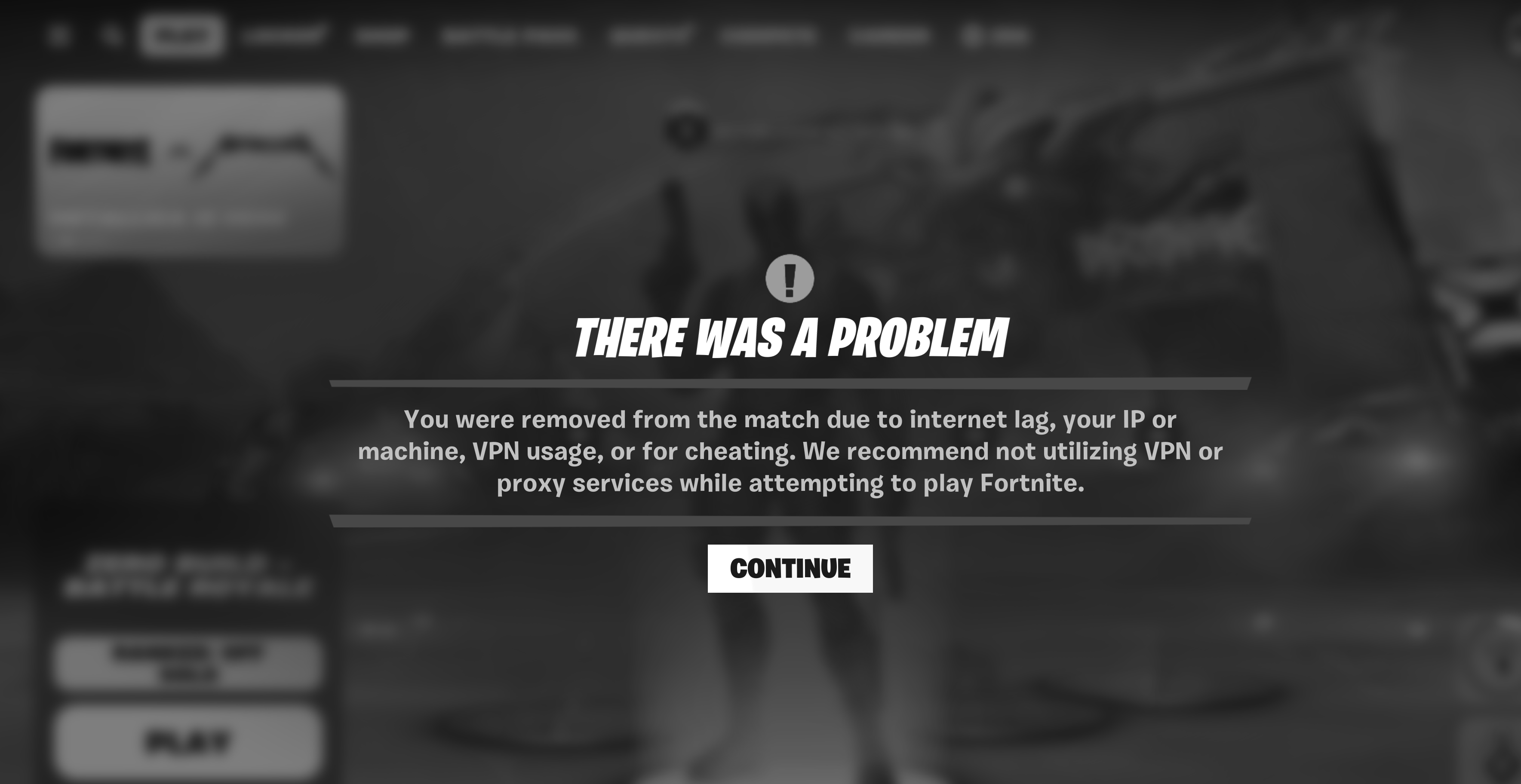
In most cases, this message indicates a permanent ban. This typically means your PC is flagged.
Semi-permanent or permanent ban.
#### Bypass a semi-permanent or permanent ban
You cannot remove an active ban on an account. To mitigate a semi-permanent or permanent ban:
* you will need to spoof; see [How Bans Work](/learn/resources/bans.md#how-can-i-remove-hardware-flags)
* we suggest purchasing a pre-made account, see [How Bans Work](/learn/resources/bans.md#where-can-i-buy-accounts-from-trusted-sellers)
* be careful creating a new account, see [How Bans Work](/learn/resources/bans.md#account-creation)
#### Recommended spoofer
Skip all these steps with our spoofer.
* buy a new account
* use our spoofer's clean feature
* spoof
Back in-game within 15 minutes or less.
[^1]: kills to deaths ratio
---
# Agent Instructions
This documentation is published with GitBook. GitBook is the documentation platform designed so that both humans and AI agents can read, navigate, and reason over technical content effectively. Learn more at gitbook.com.
## Querying This Documentation
If you need additional information that is not directly available in this page, you can query the documentation dynamically by asking a question.
Perform an HTTP GET request on the current page URL with the `ask` query parameter, and the optional `goal` query parameter:
```
GET https://docs.dexa.im/non-dma-products/fortnite/bans.md?ask=&goal=
```
`ask` is the immediate question: it should be specific, self-contained, and written in natural language.
`goal` is optional and describes the broader end goal you are ultimately trying to accomplish on behalf of the user. GitBook uses it to tailor the answer towards what is most useful for that goal.
The response will contain a direct answer to the question and relevant excerpts and sources from the documentation.
Use this mechanism when the answer is not explicitly present in the current page, you need clarification or additional context, or you want to retrieve related documentation sections.